Someone in the living room asks for a cartoon, while the laptop is shut and nobody wants to pass a phone around. BrowseHere gives the TV a browser controlled with its remote, so a family can open a website or search for a video on the shared screen. That is the useful distinction: this is for browsing at the TV, not for managing tabs across a household’s phones.
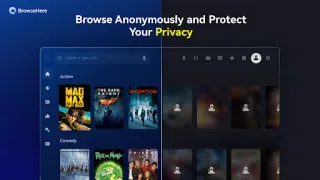
The app includes bookmarks, browsing history, search-engine shortcuts, voice search and a web video player with subtitle support. The developer also describes an ad blocker and cookie blocking. For live channels, BrowseHere has an integrated IPTV player, but viewers must add a playlist from their own IPTV provider; the app itself supplies no TV channels. Voice input can avoid the remote’s on-screen keyboard, though the listing’s broad language claim is not a reason to assume every TV microphone setup will behave alike. The latest update notes cover online stability, Trending Search, video sorting and a full-screen Delete button.
The main catch is the screen and remote: a TV browser can feel slower and less precise than a phone or laptop when a site expects a mouse, keyboard or frequent typing. Voice search also depends on having a usable microphone and granting any requested access. The app is free to install, and its description says it has no in-app purchases. Ad blocking can change how some pages behave, so keep the option of opening a site without relying on every element working as intended.
I’d consider BrowseHere for a family Android TV or a small team that shares one screen for web pages and video. Skip it if you need a full desktop-style browser, dependable access to every site, or ready-made live TV channels. Before installing, check that the TV runs Android TV and that the remote offers a workable way to search. If that fits, use the Google Play button just below to open the listing for BrowseHere by TCL Group.

 TipsBrowser TV Web