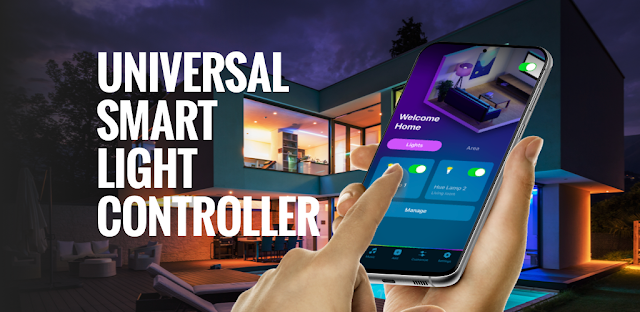
Guests arrive, the playlist starts, and the living room still feels like a normal Tuesday. This app is aimed at changing that: connect compatible smart bulbs or strips, choose a music effect, and let the lighting shift with the song. It could suit a party, a movie night, or a quieter wind-down scene; the useful question is whether you want another controller connected to your smart home.
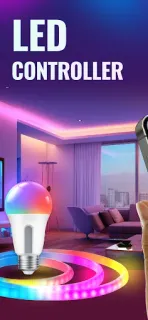
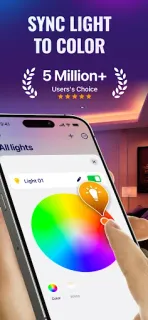
Astraler describes controls for Philips Hue, LIFX, Nanoleaf, Govee and other lights, with grouping by location, brightness adjustment, and on/off schedules. Music sync is described for Spotify, YouTube and Apple Music, with effects tied to mood or tempo. You can also browse more than 100 scenes across themes such as nature, sport, holidays and relaxation, or make a theme by extracting colors from a photo. That is a broad set of options for changing a room without adjusting each bulb separately.
The trade-off is access and ongoing cost. A light controller needs a way to find or communicate with compatible devices, so review the permission prompts and allow only access that makes sense for your setup. Check whether you need an account and what data the app handles in its privacy details before connecting lights or music services. The listing flags ads and in-app purchases; its described plans include recurring subscriptions and a lifetime option. Read the Google Play purchase terms carefully before confirming, especially if you expect music sync to be a regular feature. If the music plays through wireless earbuds, confirm that the chosen sync setup can still access the audio.
Install it if you already own compatible bulbs and want scheduled scenes or music-reactive color in one place. Skip it if you want a simple wall-switch replacement, dislike connecting another app to household devices, or do not want subscription prompts. It is a lighting controller, not a home security camera, so keep those jobs separate. Check the Google Play button just below to review the listing and decide whether its access and purchase terms fit your setup.

 TroubleshootingLED Light Controller &