A bill is due, but you also need to check whether the home internet is acting up. My Spectrum can put both tasks in reach: review a statement, then open the Wi-Fi troubleshooting tools and dual Speed Test. If your household uses Spectrum for several services, one account app can be easier than hunting through separate screens. The practical catch is that useful account details depend on getting through sign-in first, so keep your Spectrum login handy.
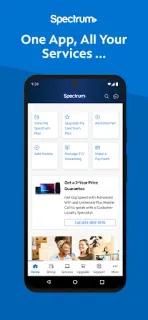
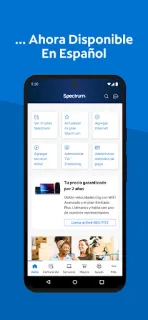
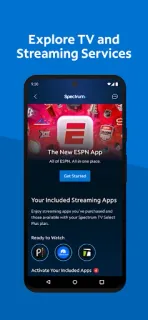
The app is for residential customers managing Spectrum services. Its listed tools include paying bills for Mobile, Internet, TV and Home Phone; enrolling in Auto Pay or paperless billing; scheduling a one-time payment; and reviewing statements and service history. Mobile customers can check data use, manage plans, and add or activate a line. The home screen can surface billing, equipment, activation and outage notifications. You can also view your included TV channel lineup, manage streaming subscriptions, adjust the lineup, find a nearby Spectrum Store and connect to Spectrum Wi-Fi access points. Language preferences can be switched between English and Spanish in the app.
Treat it as a control panel for an existing Spectrum account, not a general Wi-Fi or TV utility. You need to sign in, and the available controls depend on which Spectrum services are on your account. Auto Pay and paperless billing are choices to review carefully before enrolling; a payment scheduled in the app still needs the correct account and timing. The listing also promotes Advanced WiFi and a Security Suite, so check the service terms and any charges before choosing an add-on. A laptop or smart TV is not required for these account tasks; streaming access still depends on the services in your plan.
I’d install My Spectrum if I already have residential Spectrum service and want bills, mobile usage, outage notices and TV details together. It is a poor fit if you are not a customer, need a standalone speed-test app, or want to manage services from another provider. Before relying on notifications, check that the right account is signed in and that phone notification settings allow them. For a quick final check of the publisher and current listing details, use the Google Play button just below.