You are halfway through a long errand list, your hands are busy, and typing each item on a phone feels like the slow part. Voice to text is built for that moment: speak a note, keep dictating, and edit the text along the way. It suits quick reminders as well as longer drafts, such as a report outline or a post you want to shape later. The useful question is what happens when the signal drops, because recognition and saving are separate parts of the job.
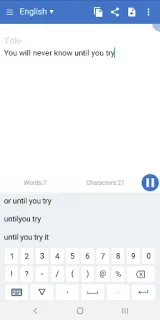
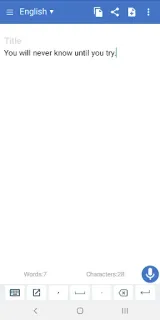
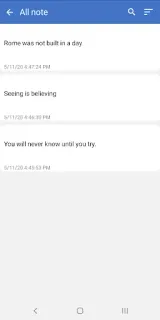
The app offers continuous speech recognition, language selection, auto spacing and auto saving. It presents possible recognition candidates, which gives you a way to correct a word that sounds wrong rather than accepting the first guess. You can check word and character counts, use a custom dictionary for word replacement, and create text for notes, email, SMS or social posts. Sharing through another app and exporting to a text file give you routes out of the editor. Custom keyboard support is also listed, but that does not turn the app into a dedicated offline transcription tool.
For weak or absent connectivity, keep expectations modest: the listing describes speech recognition but gives no offline mode to rely on. A dropped connection may interrupt recognition, so avoid treating an unfinished dictation as safely captured; check that the text appears and is saved before leaving the screen. Auto saving is useful, but it is not a promise that every spoken word survives a connection problem. The app is free to install and contains ads. Speech input also needs microphone access, and sharing or exporting can involve the app you choose to receive the text.
Install it if you want to dictate drafts, lists or messages and can review the result before sharing. If you need dependable transcription in airplane mode, on a weak signal, or without checking recognition errors, choose a workflow that clearly supports offline speech recognition. I would keep important wording in a saved text file before switching apps, especially when the connection is unreliable. Check the Google Play button just below to open the listing and confirm it is the app you want.