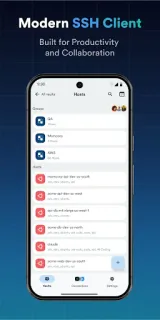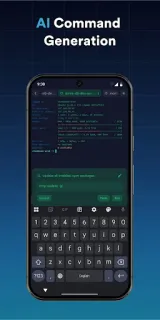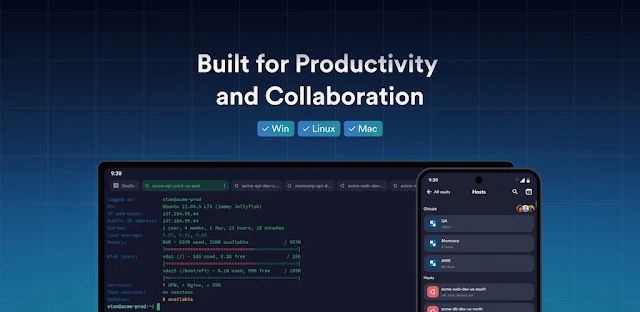
A server alert lands while you’re away from your desk, and you need to check a log or run a familiar command. Termius can keep that routine compact: open a saved connection, enter the terminal and use a saved command instead of typing the same sequence on a phone keyboard. For someone fitting brief admin tasks between meetings, that is the app’s clearest everyday use.
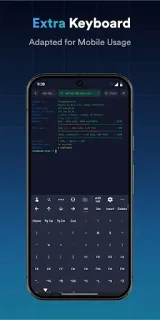
Termius is a terminal with SSH, SFTP, Telnet and Mosh, plus port forwarding. Its multi-tab and split-view tools let you keep several sessions in reach, while a virtual keyboard supplies special keys; a Bluetooth keyboard is another option. You can customize themes and fonts per connection, review a unified command history, and save commands or shell scripts for one-tap use. The latest notes also describe ML-DSA key generation and authentication when the server supports it, alongside an SFTP back gesture that dismisses selection or filter modes.
The free Starter plan covers connections from mobile and desktop, but access to connection settings and credentials across devices through an encrypted cloud vault is part of Pro. Pro also removes the device-sync limit, so check the Google Play listing for current in-app purchase details before relying on cross-device access. SSH credentials and server access still need careful handling; use a screen lock and avoid saving access details on a device other people can use. Some newer authentication support also depends on the server, so it will not help with every host.
Install Termius if you regularly connect to servers, move files with SFTP, or repeat terminal commands from a phone. Skip it if you only need a basic text editor or have no SSH, Telnet or Mosh connections to manage. It is a focused business utility, not a general-purpose productivity suite for email or invoicing. Check the Google Play button just below to review the listing and its in-app purchase details before installing.