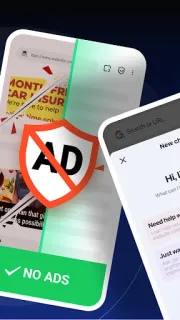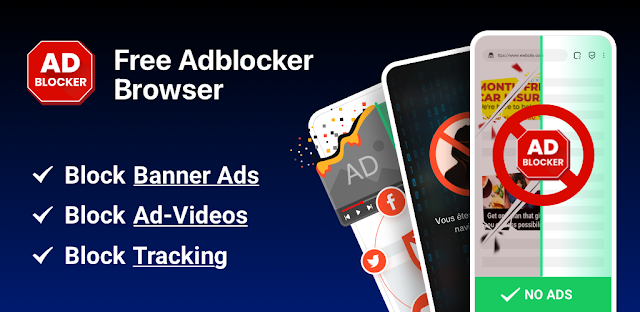
A news page opens with a banner at the top, a pop-up over the headline and video ads interrupting the article. FAB is built for that kind of browsing: its ad blocking aims to clear banners, pop-ups and video ads, and the developer says it has refined blocking rules for sites where ads were getting through. If you want a separate browser for reading pages with fewer interruptions, that is the clearest reason to consider it.
FAB combines a browser with ad and tracker blocking, private browsing, saved private pages protected by a password, and a built-in encrypted connection and firewall. The developer says private browsing does not save history or cookies, while the encrypted connection hides your real IP address. Treat those as features to understand, not a blanket promise that every site, tracker or network risk disappears. This is a browser, not a substitute for a dedicated video conferencing or project management app.
The trade-off is putting browsing activity through one app that offers extensive privacy features. Before granting access, read each Android permission request in context and decide whether it fits a browser; you can review permissions under Settings > Apps > FAB > Permissions. The listing flags both ads and in-app purchases, so check the Google Play listing for purchase details before relying on the free-to-install option. Consider whether you are comfortable routing traffic through the browser’s encrypted connection, and avoid treating it as protection against every form of tracking. An account requirement is not part of the practical case for installing it, so do not share extra personal details unless the app asks and you understand why.
Install FAB if you want ad blocking and private browsing together and are willing to inspect permissions and purchase terms. Skip it if you prefer your current browser, need a separately managed privacy service, or do not want another app handling web traffic. If you are comparing it with tools for e-signature or invoicing, those are different jobs: FAB is for browsing. Check the Google Play button just below to confirm the developer and review the listing before you install.