A small moth rests on the kitchen window, or an unfamiliar beetle turns up beside your garden pots. Instead of searching by color and shape, I’d open Picture Insect, take a photo or choose one from the phone gallery, and use the suggested identification to decide what to read next. That makes it a handy pause in a walk or a quick check during ordinary garden care—not a reason to handle an insect or make a safety call from a screen.
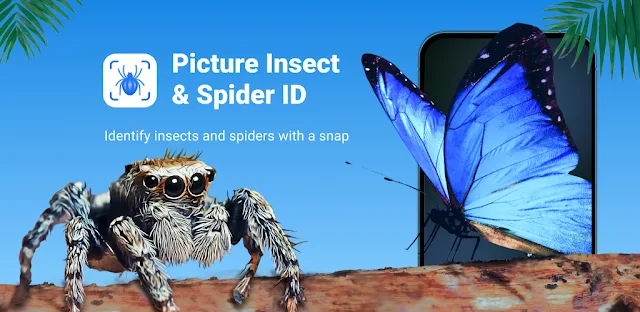
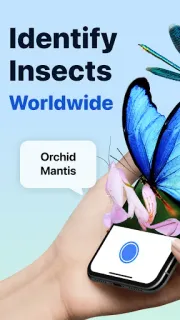
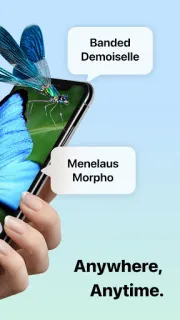
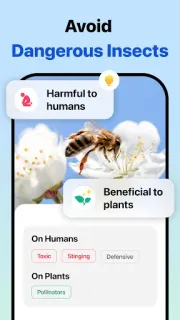
The app is an insect identifier from Next Vision Limited in the Education category. Its listing describes photo recognition for insects including butterflies, moths and spiders, plus an encyclopedia with names, appearance, images, characteristics and FAQs. It also offers insect articles, bite references with prevention tips, and pest identification with control guidance. For a daily routine, the useful path is simple: capture or select a picture, review the identification, then open the relevant reference or article. It’s closer to a pocket field guide than a general photo organizer.
A photo-based result is a clue, not a guarantee: angle, lighting, distance and a partly hidden insect can make identification harder. I’d compare the suggested entry with visible details and avoid relying on the bite or pest sections to settle a health or household safety concern. The app is free to install and offers in-app purchases, so check the Google Play listing for purchase details before using paid options. Camera access is relevant when taking a picture; gallery access is relevant when choosing an existing one. Review Android’s permission prompt and allow only what fits the feature you plan to use.
Install it if you often pause to identify garden visitors, moths on a porch light or bugs on a nature walk, and want species information alongside the photo result. Skip it if you need a definitive identification for a potentially dangerous bite, or a guaranteed fix for an infestation; a phone photo guide is not a substitute for appropriate professional help. If you want a searchable reference for casual learning, the encyclopedia and articles add value beyond the first scan. Check the Google Play button just below to open the listing and review the purchase and permission details before you install.
 TipsPicture Insect