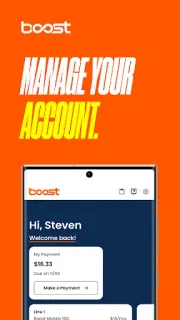
You’re about to leave home and want to check how much data is left, or you’re somewhere with one fading bar and need to confirm a plan detail. Boost Mobile puts account overview information in the app, so it can be a convenient place to look before you head out. The important caveat is the connection: account details, payments and support are online tasks, not offline phone tools. If the screen can’t reach the service, don’t count on it to refresh or complete an action. Check the information while your connection is steady, then keep any essential account details available another way.
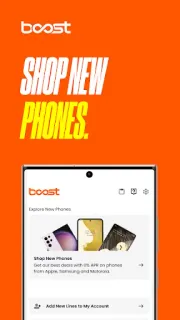
The app combines Boost Mobile account management with access to Boost Infinite accounts. Its listed tools include checking data usage, plan details and account balance; making payments; browsing devices and plans; and getting help with accounts, plans and devices. A unified web experience is also described for managing an account on the go or from home. That makes this a customer self-service app, not a general communications tool, CRM system or business email app. The latest update notes focus on bug fixes and performance improvements. For routine account checks, the main draw is having these Boost tasks together rather than switching among separate apps.
The weak-signal limit matters most when you need to pay or contact support: those actions need a working connection, and a stalled screen is not confirmation that a payment or request went through. Wait for a clear confirmation before trying again. You’ll need access to the relevant Boost account, and the app’s usefulness depends on having mobile data or Wi-Fi when you use its online features. The listing flags ads and free installation; check the Google Play listing for any in-app purchase details before proceeding. I’d do account setup and time-sensitive tasks on a reliable connection, not while relying on a patchy signal.
Install it if you’re a Boost Mobile or Boost Infinite customer who wants account details, payments and support in one place. It may also suit someone who prefers checking plan information on a phone instead of using a browser. Skip it if you need account access while fully offline, or if you aren’t managing a Boost account; it isn’t a substitute for saved account information or a working connection. Before relying on it away from home, open the app where your signal is strong and check that you can reach the account screens you need. Use the Google Play button just below to open the listing and review the app details.