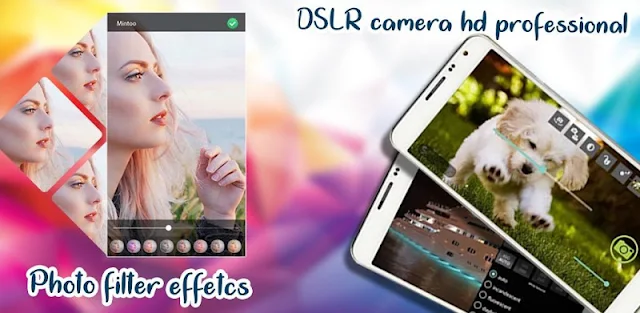
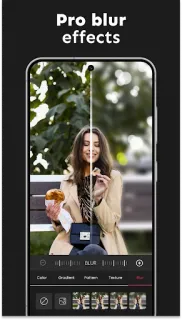
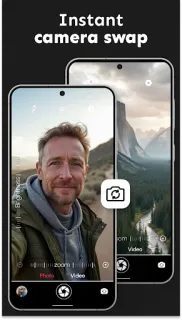
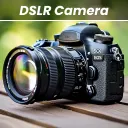
A friend steps into a patch of window light, but the busy kitchen behind them competes with the face you meant to photograph. DSLR HD Camera offers blur editing and color effects for that sort of quick portrait, alongside front- and rear-camera switching. I’d treat it as a handy extra camera interface, not a guarantee that every phone will produce a true DSLR-style result. The appeal is having a few adjustments close at hand when the moment is brief.
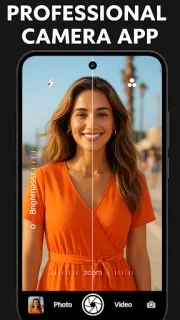
The listing describes high-resolution photo and video capture, with 1080p and 4K options, plus adjustable resolution, zoom controls and multi-touch zoom. For a still photo, you can choose color effects, white balance, scene modes and exposure compensation; burst mode and a timer with countdown options are aimed at action shots or group pictures. Face detection is included in the feature list. The developer’s latest update notes add Templates, so look for that feature in the app if you want another way to shape a picture. Actual resolution and available controls can depend on the phone’s camera hardware and settings.
The app is free to install, but the listing flags both ads and in-app purchases. For a year-long cost check, open the Google Play listing and review the purchase details before you start using paid features; if you see a subscription, note its renewal terms and total recurring cost. A one-time purchase and a subscription affect your yearly spend differently, so check the wording at checkout rather than assuming every extra is included. Camera access is necessary for taking pictures, and microphone access may be relevant when recording video with sound. Review Android’s permission prompts and grant only what fits your use. Ads may also interrupt a camera workflow.
I’d consider it if you want quick portrait blur, filters, timer controls or exposure adjustments in one camera app. Skip it if your priority is a camera experience with no ads, or if you need a predictable yearly cost before checking the purchase options. It is a camera tool, not a place to browse outfit ideas, beauty products or designer brands. Check the developer name and purchase terms, then use the Google Play button just below if the controls fit your needs.
 TroubleshootingDSLR HD Camera