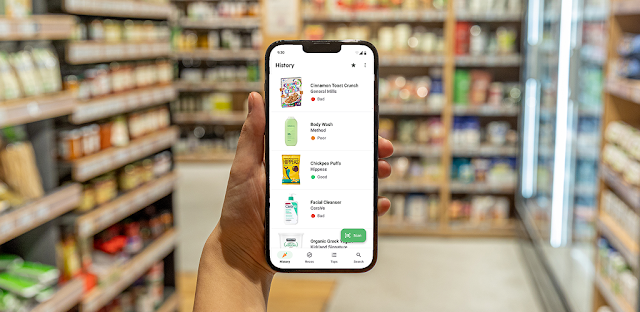
At the grocery shelf, you turn a package over and find a list of ingredients that is hard to compare with the one beside it. Yuka gives that moment a practical next step: scan the product and look at its color-coded assessment. On an older or low-storage phone, that focused job may be easier to justify than a large app you use all day, though scanning still depends on the app being able to look up the item.
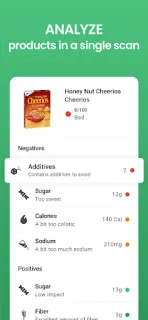
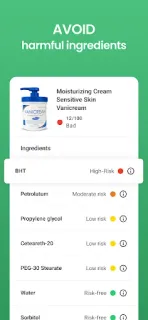
Yuka covers food, beauty and personal-care products. For food, it assesses nutritional value, additives and the product’s organic dimension; for beauty products, it evaluates ingredients and assigns risk levels based on current scientific research. Each result has a detail page to help explain its grade, and a product with a negative grade can come with a similar alternative. That can make the app useful for comparing two options, but it is not a meal planner, workout plan or fitness tracker.
A barcode scan is only useful when the product can be identified in the app, so keep the package nearby and treat the score as a prompt to inspect the details, not a substitute for reading the label. The app is free to install and offers in-app purchases, so check the Google Play listing for purchase details before committing. On a phone with little free space, check the app’s size and your available storage on the listing and in Android settings before installing; I would not assume every scan works offline or that older hardware will feel equally quick.
Install Yuka if you often compare packaged food or personal-care ingredients and want a quick, color-coded starting point. Skip it if you rarely scan products, need a definitive answer for every item, or are trying to keep storage use to a minimum. If you want a simpler comparison at the shelf, the Google Play button just below is the next place to check.