When a train slips into a tunnel and streaming pauses, a player for music already on your phone can keep the commute going. DDMusic is built for local tracks, so once the files are on your device, weak reception need not interrupt playback. That makes it a practical choice for a commute, a flight, or any place where mobile data is unreliable. It is not a way to stream a catalog of songs over a poor connection: you need audio files stored locally first.
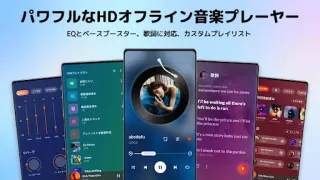
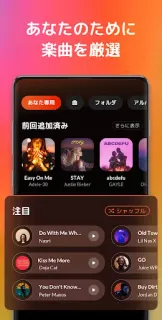
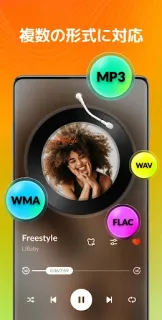
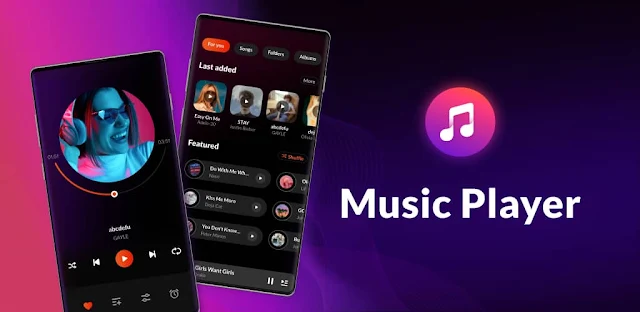
The app’s listing describes support for common formats including MP3, WAV, FLAC and AAC, plus lyrics and a built-in equalizer. Presets such as rock, jazz and classical offer quick sound adjustments, while bass boost and reverb provide further controls. Its library can group tracks into Recently Played and Most Played lists; you can search, make playlists, and hide or favorite songs. Those tools are useful when your phone already holds a mixed collection and you want to find a particular track without browsing folders one by one. It is music playback, not music streaming, photo editing software or a video editor.
Plan around the offline distinction: playback can work without a connection, but getting music onto the phone is a separate step. The app contains ads and offers in-app purchases, so check the Google Play listing for purchase details before installing. I would also review the requested permissions on your device and allow only what makes sense for access to local audio. Lyrics and other online-dependent extras may behave differently when you have no signal; for a dependable offline session, keep the audio files available on the phone and test playback before you leave.
Install DDMusic if you keep your own tracks on your phone and want playlists, search and simple sound controls in one place. Skip it if you need a large online catalog, automatic access to music you have not stored locally, or an ad-free experience without checking purchase options. If your main concern is listening through dead zones, the key question is whether your files are already on the device. Check the Google Play button just below for the app listing and its purchase details.