It is nearly time to leave, and someone asks whether the family can eat before play. I’d open Chuck E. Cheese to place an online order and check the Offers page for a promotion worth using. That makes the app most useful when a visit is already on the calendar, not as a general food delivery service or a way to find restaurant reservations elsewhere. The practical win is keeping ordering and visit-related perks in one place.
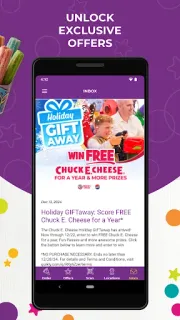
The app’s listed features are online ordering, access to and redemption of Fun Pass benefits, exclusive perks, and news. The Offers page provides easier access to promotions and discounts. I’d check that page before ordering or planning around a deal, then confirm the terms shown for the offer. This is a Chuck E. Cheese companion app, rather than a broad takeout directory or a place to look for meal deals at other restaurants.
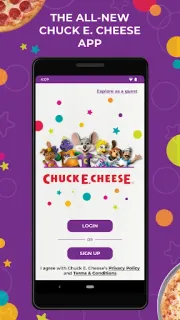
The app is free to install. Food orders, play, and any Fun Pass purchase can add costs outside the app itself; check the current offer and purchase details before treating a perk as free or assuming a pass is right for your family. You may also need an account to manage benefits or orders; check the app’s sign-in flow before relying on it at the venue.
Install it if your family visits Chuck E. Cheese, orders there, or wants a convenient place to access Fun Pass benefits and promotions. Skip it if you want restaurant reservations, food delivery from many restaurants, or a year-round cost calculator: those are not the listed jobs of this app. Before relying on an offer, read its terms in the app and compare any pass or order cost with your planned visits. Check the Google Play button just below if this fits your next visit.
 How-toChuck E. Cheese