You pull into a paid lot, find a space and head toward the exit with one more task on your mind: paying for parking. Cello’s latest update adds automatic payment at participating lots, plus a widget that can appear on entry with a parking timer and quick, one-tap payment. That could make a rushed airport pickup or a busy shopping stop simpler—but check that the lot supports the service before you rely on it.
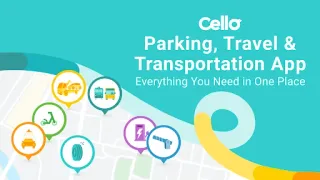
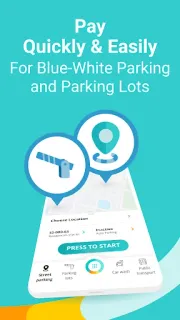
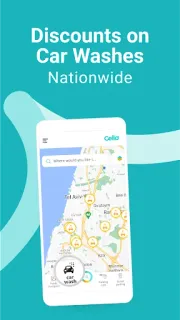
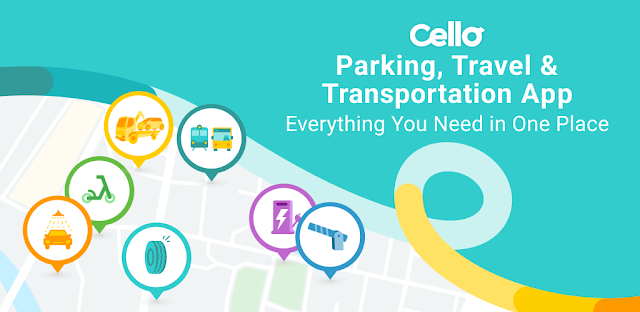
The app, formerly Cellopark, covers more than street parking. Its listed services include automatic payment for blue-and-white curbside parking, reminders to activate or stop a session, automatic extensions and help locating available parking. It also supports payment at many named Israeli lots, tolls on Route 6 North and the Expressway, and Rav Kav charging. Roadside offerings include rescue, flat-tire services and car washes; multiple parking users can use one account, while CelloBiz is aimed at business fleets.
The convenience comes with an account and a broader set of services to manage. Check which payment method and vehicle details the app asks you to add, then review the permissions Android requests before enabling location or notifications: location may help with parking discovery, while notifications matter for session reminders and the lot-entry widget. Automatic payment depends on participating locations, and parking, toll and roadside services may carry separate charges. Read the in-app terms and any displayed prices before starting a paid service; a reminder is useful, but I would not treat it as proof that a session has started or stopped.
Cello makes the most sense if you regularly park on Israeli streets or in supported lots and want parking, toll and selected road services together. It is a weaker fit if you rarely drive in Israel, prefer not to keep a service account, or want one app only for occasional parking; you can also leave optional permissions off and see which features still work. For a travel booking or trip planner, this is a parking-and-road companion rather than a vacation packages service. Check the Google Play listing below if its local coverage and account trade-offs suit your routine.