A dark cloud line is creeping toward your beach afternoon, and the basic forecast only says rain. Windy.com gives you a map-based way to inspect the change: check the rain layer, then look at wind or waves before deciding whether to go. For a surfer, boater or storm watcher, seeing conditions laid out geographically can be more useful than a single icon. It earns its place when the question is not just “Will it rain?” but “What is moving toward this spot?”
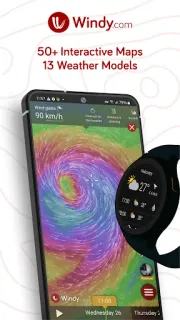
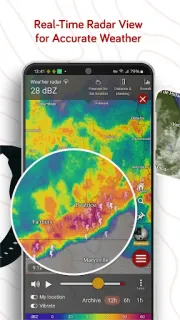
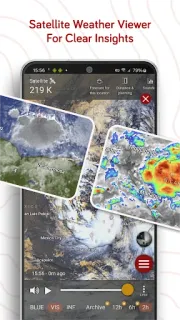
The app brings weather maps, satellite imagery and Doppler radar together with forecast layers for wind, rain, temperature, pressure, swell and other conditions. It also offers several forecasting models, including global and regional options, so you can compare how different forecasts show the same area. Recent additions include precipitation type on Weather Radar, wave energy in a dedicated layer and in Waves & Tides details, plus lightning strikes and flow vectors on radar and satellite widgets. A Weather Station widget and sun and moon positions for map locations add more ways to inspect local conditions.
That detail is also the catch. If you only need a quick answer about today’s umbrella, the map, layers and model choices may feel like extra work; a simpler weather app may fit better. The listing flags in-app purchases, so check the Google Play listing for purchase details before you rely on any feature you expect to use. Forecast maps are planning tools, not a guarantee of conditions at your exact spot. I would keep a trusted local warning source in your routine when severe weather is possible.
I’d install Windy.com if I regularly plan around wind, surf, boating, outdoor trips or changing storm conditions, and I’m willing to compare layers rather than glance at one number. I’d skip it if I want a plain daily forecast with minimal setup; a basic weather app is a better fit for that job. If you want to see whether its maps suit your plans, use the Google Play button just below.