
You find a paid photo editor that would suit a project, but its price puts you off. AppSales gives you a place to check for sales and limited-time free offers before paying full price. The Now Free tab is the useful shortcut when you want to browse apps that have temporarily become free. I’d check it when I’m curious, not assume every offer will still be available later.
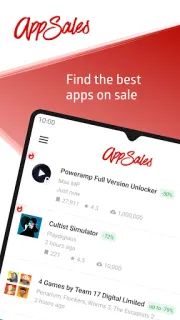
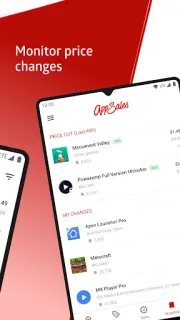
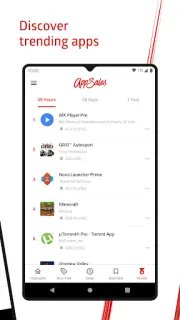
AppSales collects app and game sales, and its listing also includes wallpapers. Browse the sales list, search for something specific, and add promising picks to your Watchlist. Price history helps you compare a current offer with earlier prices; filters can narrow the list, while dismissing an app keeps unwanted picks out of your view. Notifications can flag new sales, and Watchlist syncing helps if you use more than one Android device. Dark Theme is available, too. These are tools for finding app deals—not a general online marketplace, coupons, gift cards, delivery tracking, cashback or price comparison for physical goods.
Treat each deal as time-sensitive: check the app’s Google Play listing before you act, since the offer may end. AppSales contains ads and offers in-app purchases, so look over the purchase details before choosing any paid option. Its update notes describe account-data deletion for people signed in with a Google account, along with added subscription pricing and cancellation details. If you sign in, review those details in the app; the Watchlist sync feature may be useful when moving between Android devices. Turn on sale notifications only if you want deal alerts competing for attention.
Install AppSales if you regularly browse for apps and games, like checking price history, or want a Watchlist for offers worth revisiting. It is less useful if you rarely shop for apps, dislike ads, or expect every listed deal to last until you are ready to buy. I’d start with the filters and Now Free tab, then add only a few relevant apps to the Watchlist so the list stays manageable. Check the Google Play button just below to see the listing before you install.
 TipsAppSales